
Back to start
Pick device2Install3Start class
Set up on PCAbout 10 minutes end-to-end.
- Buy & install Minecraft JavaGet Standard Edition ($30 equiv) from the official store. Deluxe isn't needed.
- Install Aleph Kids desktop appSign in at alephlab.ai/app and download. It auto-manages versions so you won't see
Incompatible client.Windows blocking the download? A “isn’t commonly downloaded” or “make sure you trust it” warning is normal — not because the app is unsafe, but because it’s a new version few people have downloaded yet. Follow Fix the Windows download warning step by step. - Click "Start class"At alephlab.ai/app, click Start class and the lesson begins. Follow the screens below:You only link your Minecraft (Microsoft) account once — after that, just click Start class and it launches automatically.For the full walkthrough, see the tutorial and the attached video.
📷 View step-by-step screenshots (9)▾
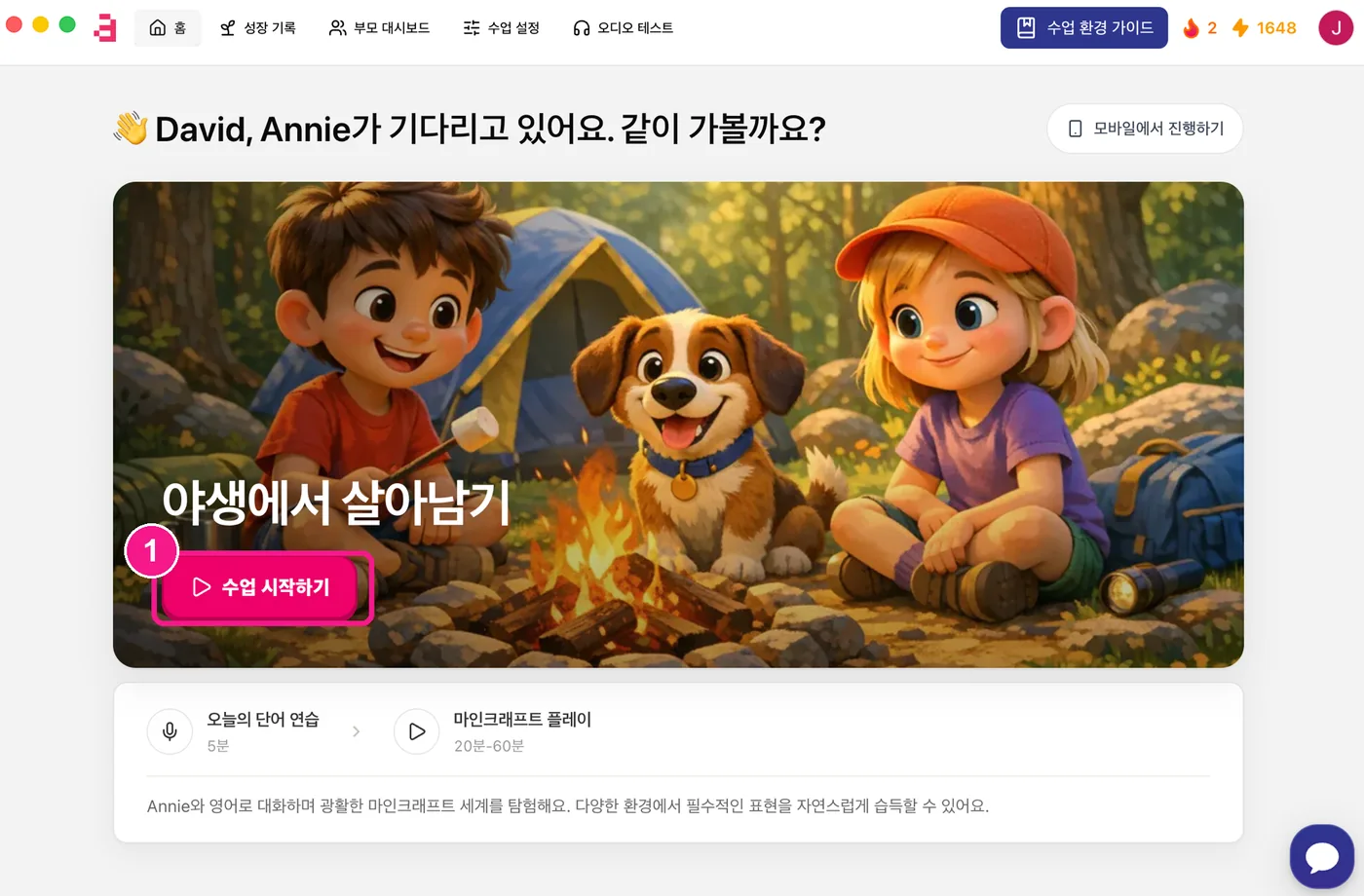
1) On the Aleph Kids app home, click 'Start class' (수업 시작하기). 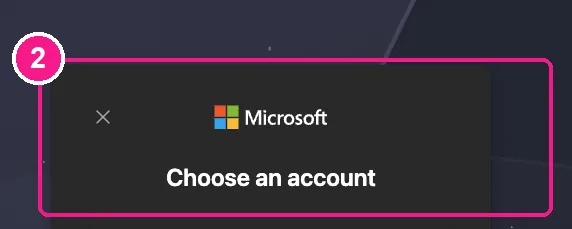
2) On first use, a Minecraft (Microsoft) account window appears — choose your account and sign in. 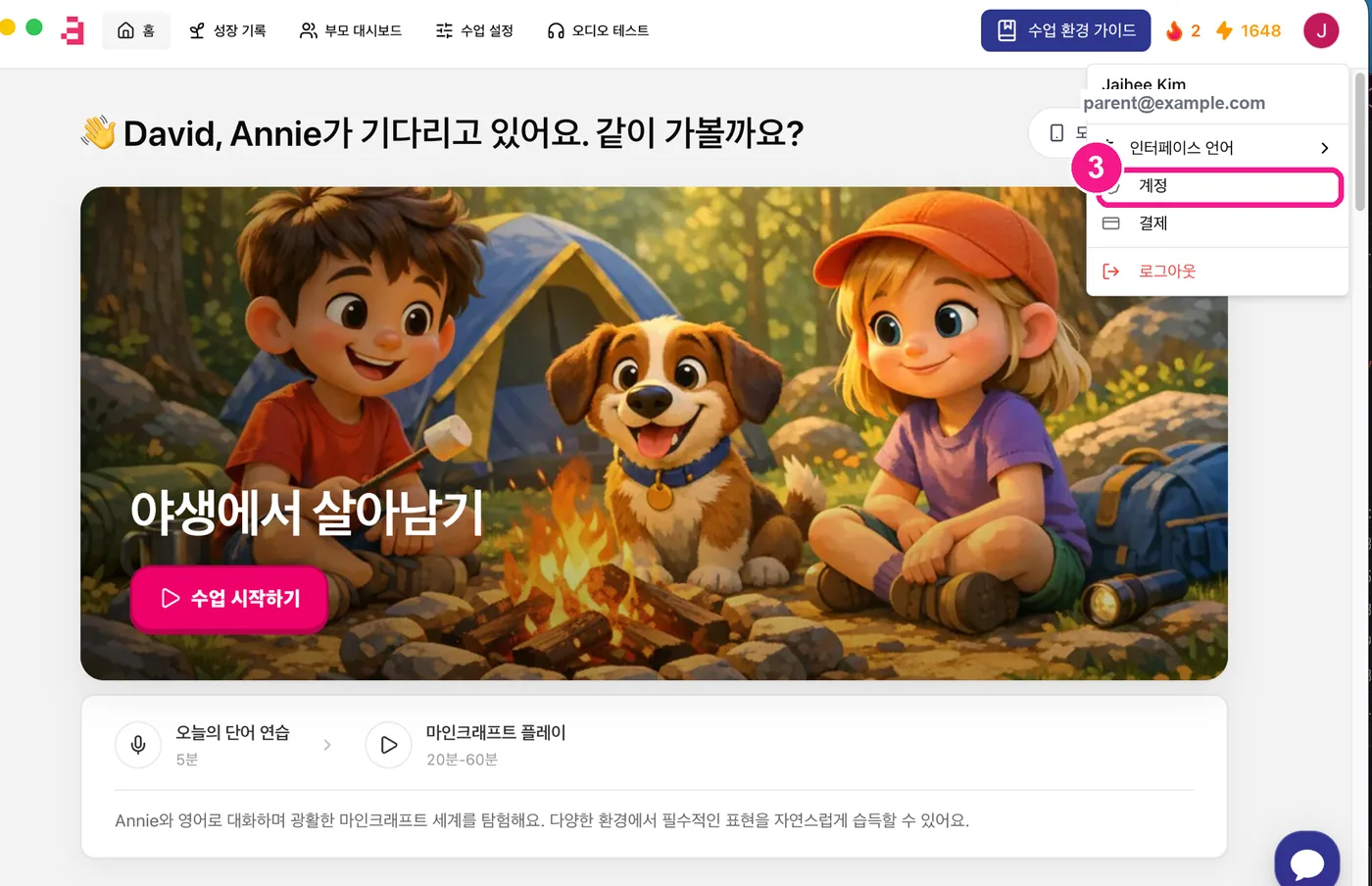
3) Click your profile (top-right) and choose 'Account' (계정). 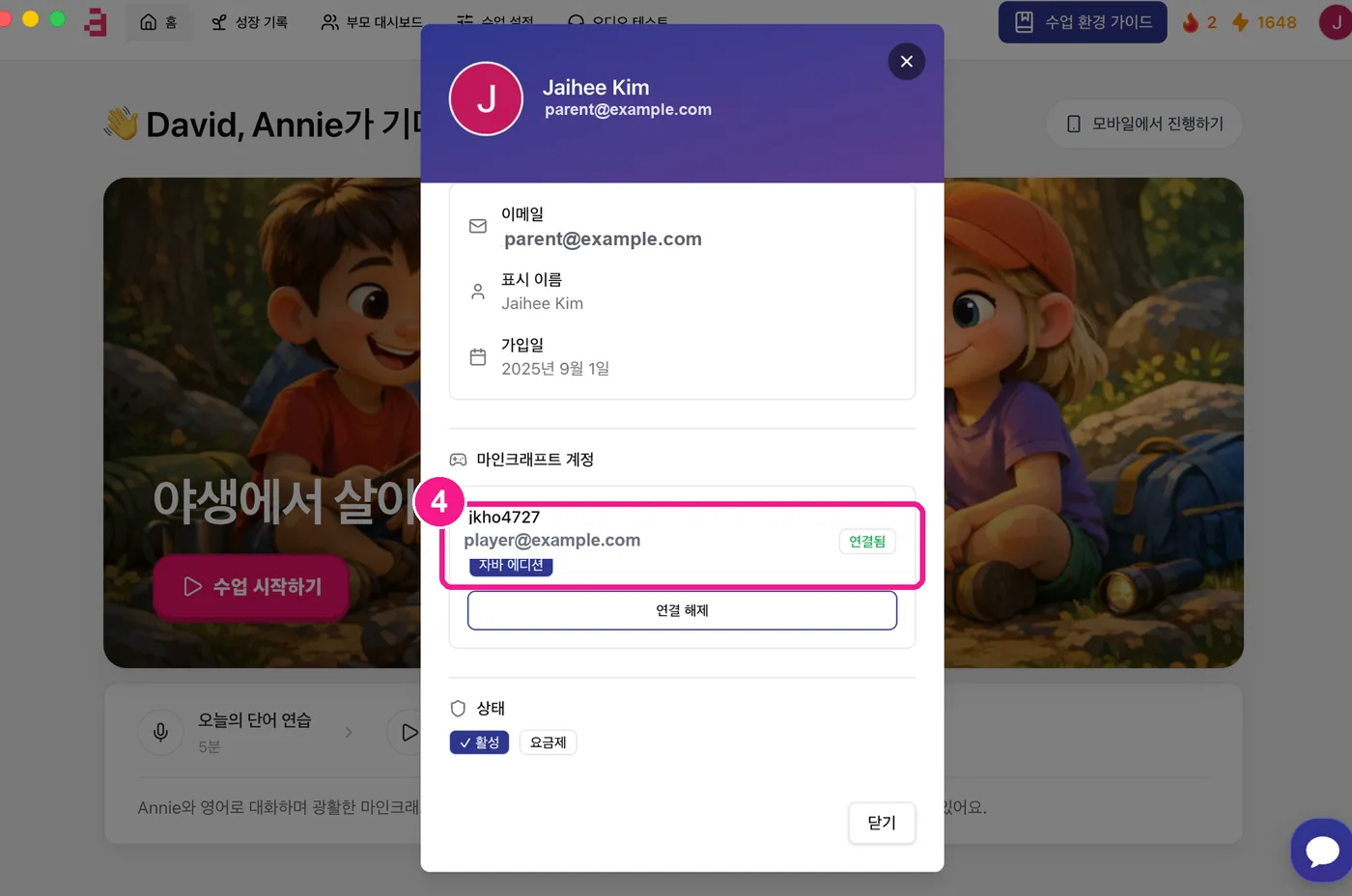
4) Under 'Minecraft account', check it shows 'Java Edition · Connected' (자바 에디션 · 연결됨) with your in-game ID. 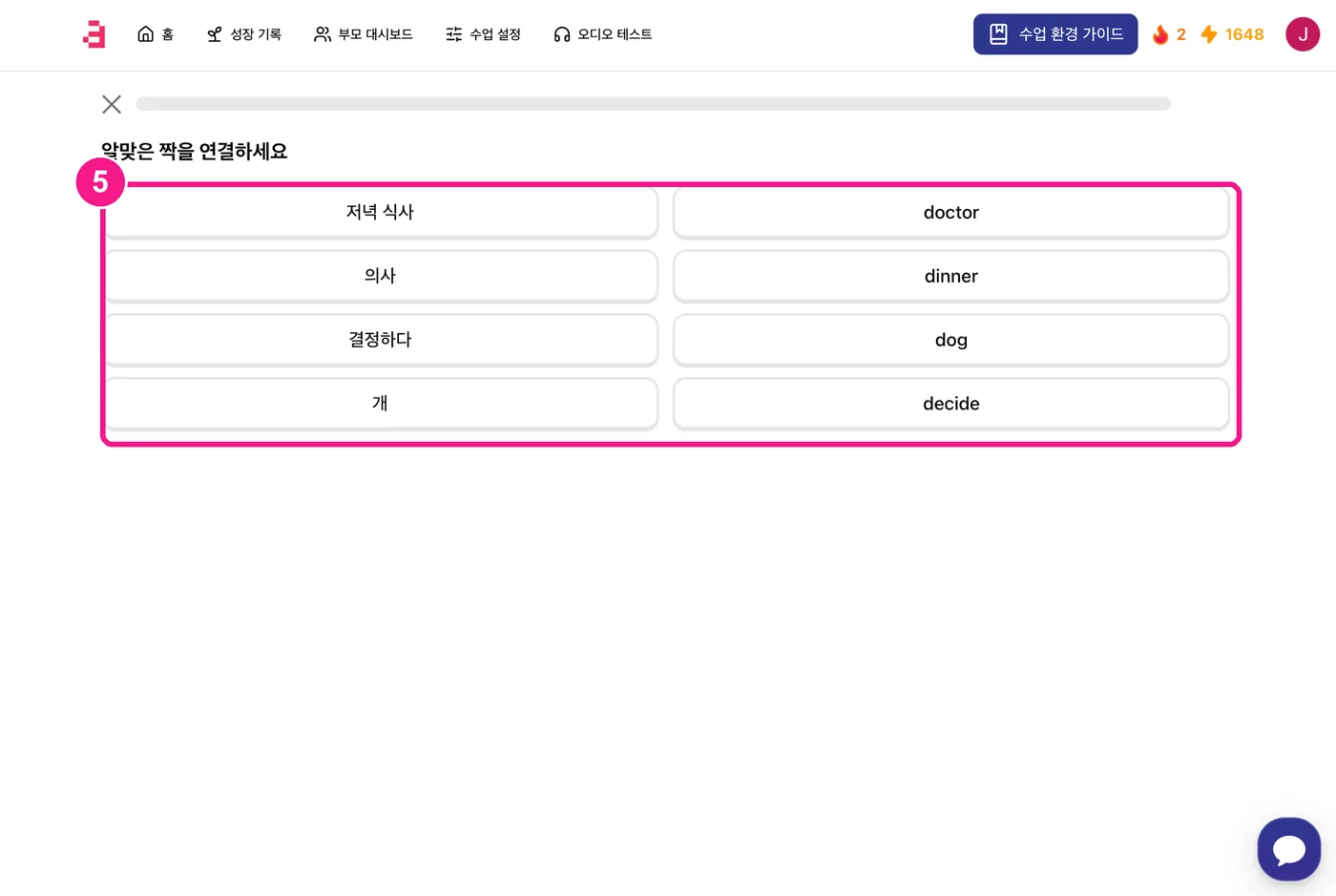
5) When class starts, you first solve a short quiz (word practice). You can customize it under 'Class settings' (수업 설정) at the top. 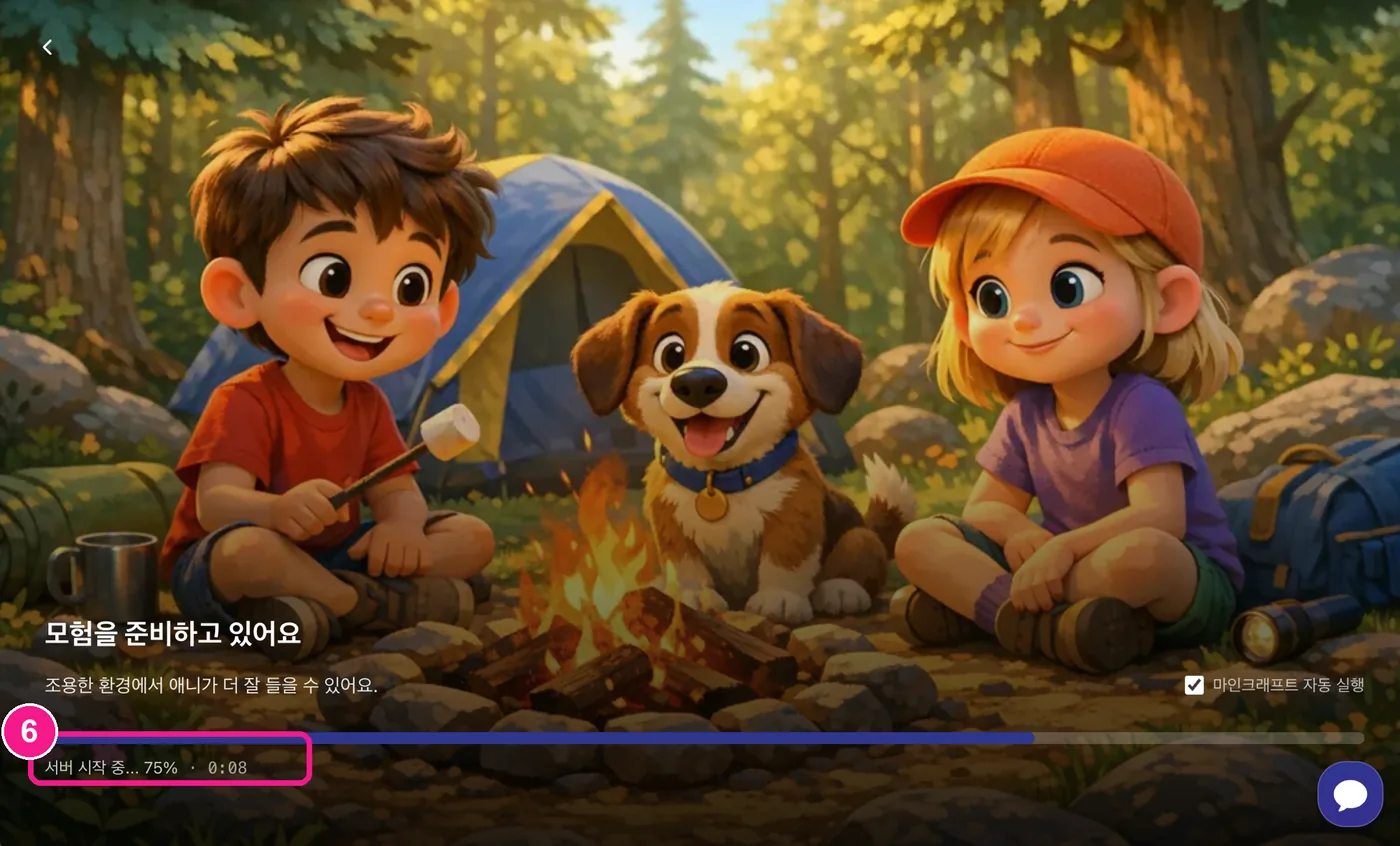
6) Wait while the server gets ready — it can take up to ~5 minutes depending on conditions. 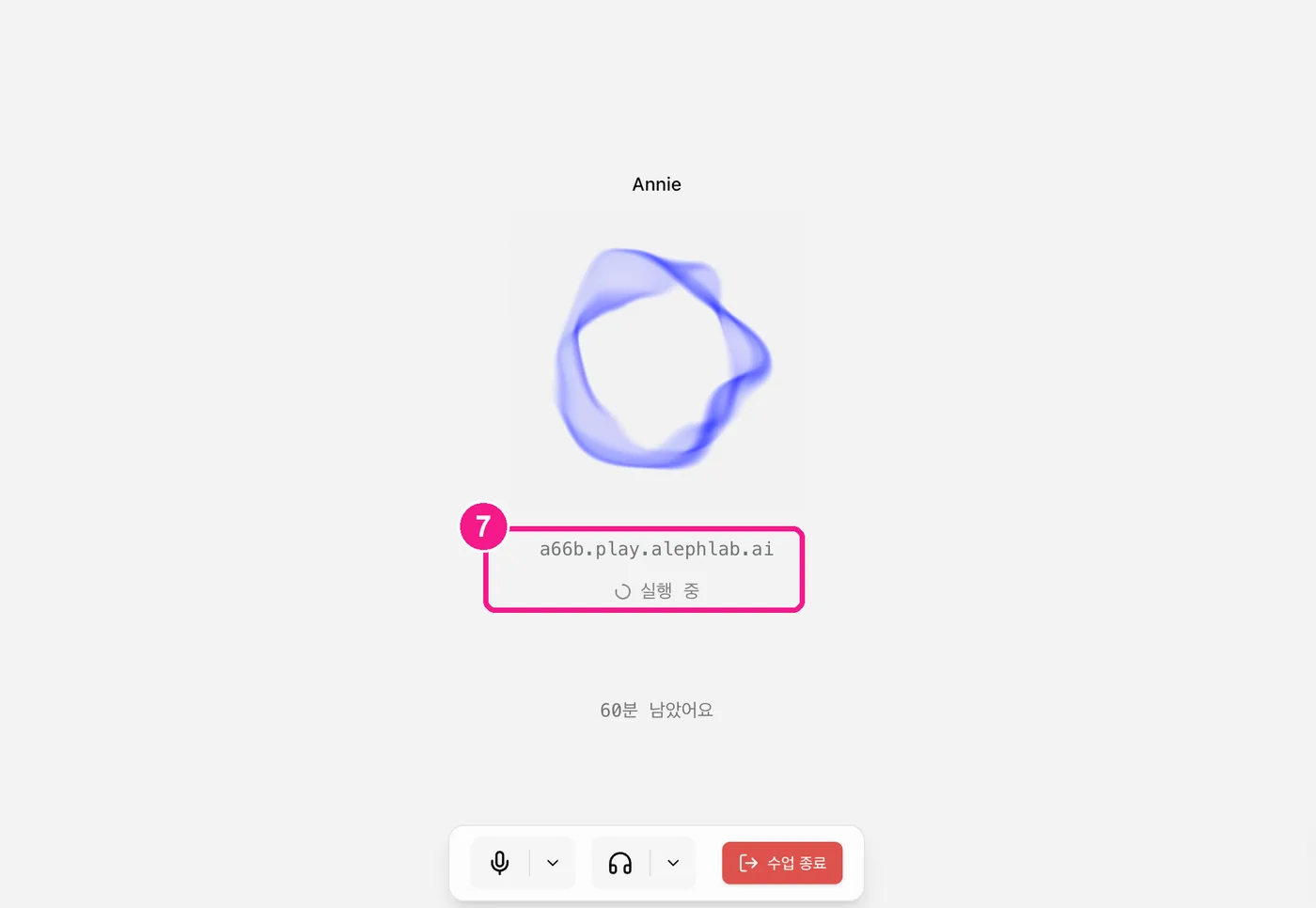
7) Minecraft launches automatically — please wait for the window to open; it starts shortly. 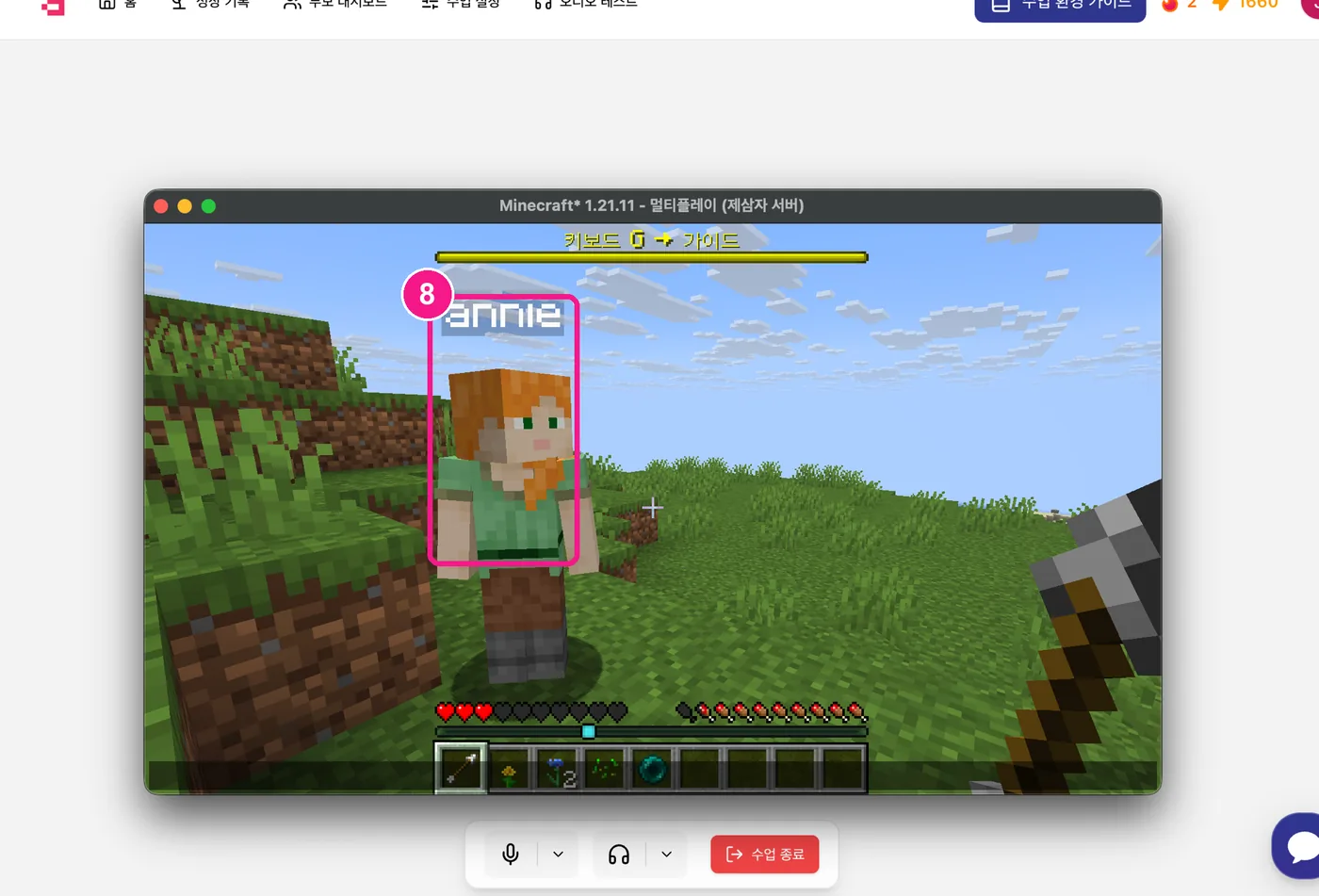
8) Meet Annie (annie) inside the game and enjoy playing together! 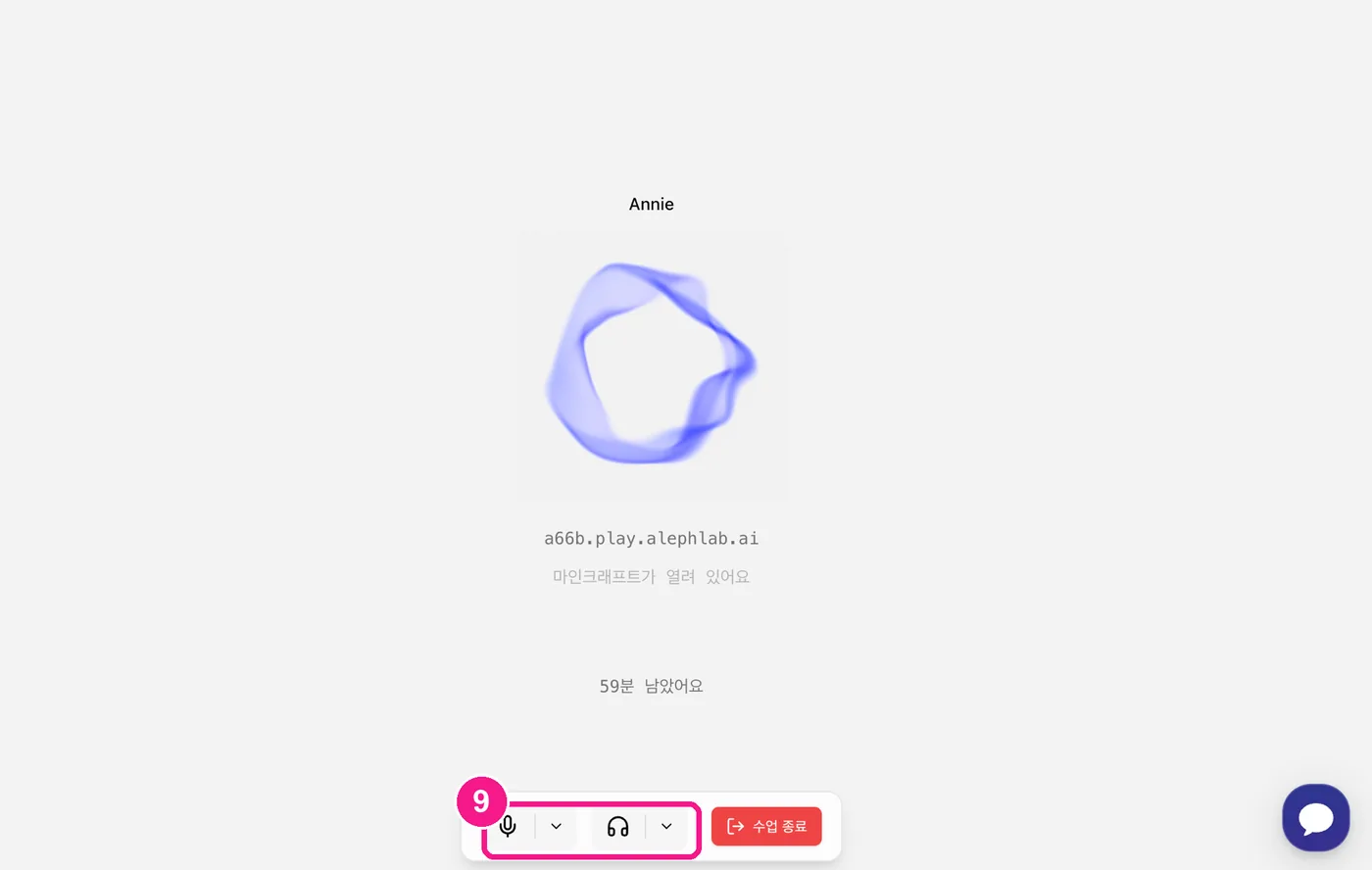
9) If the mic isn't working or you can't hear Annie, click the arrows (⌄) next to the mic/headset below and switch to the correct device.
First-time Java Edition buyer?. Download the launcher from minecraft.net/download, then run Java once to finish profile setup before starting class.
Bedrock only?. Turn off auto-launch in the app and add the server address manually — Bedrock works too.
If Annie isn't responding. Use Audio Test at the top of the screen to check your mic and speakers before class.